Managing Operator Connect Settings
This section describes how to manage the connection with the Operator Connect portal that serves as the interface between Microsoft Teams and Live Platform for managing Customer leads and number synchronization
| ➢ | To manage Operator Connect settings: |
| 1. | In the Multitenant Navigation pane, open the OC Settings page (Monitoring > Operator Connect > Settings). |
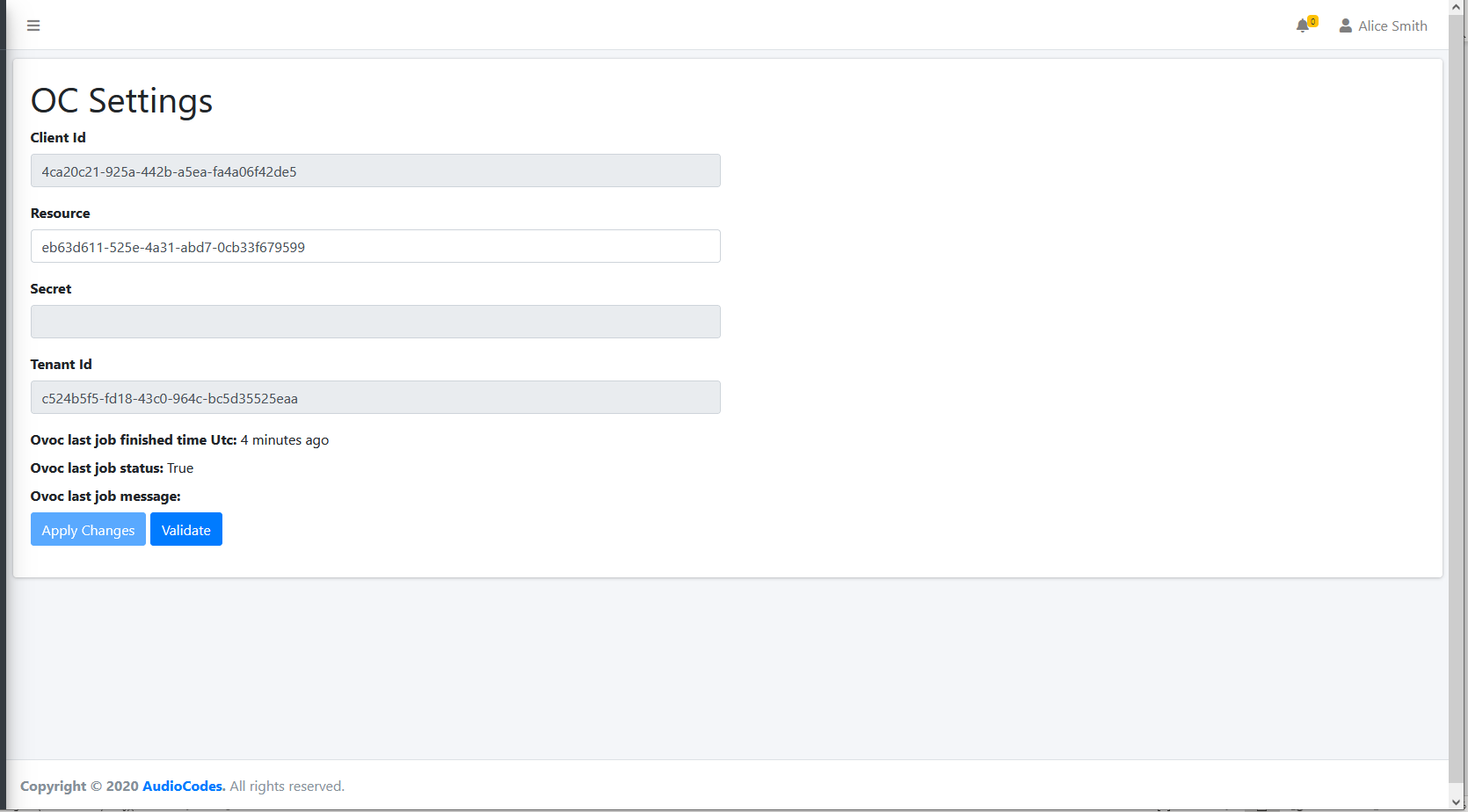
| 2. | Refer to the following table for reference. |
OC Settings
|
Parameter |
Description |
|---|---|
|
Client Id |
The Azure Client Id of the Service Provider tenant |
|
Resource |
Azure Resource (retrieved hard-coded) of the Service Provider tenant. |
|
Secret |
Configurable secret of the connection with the Service Provider tenant. |
|
Tenant Id |
Azure Tenant Id for the Service ProviderTenant subscription. |
|
Apply Changes |
Click Apply Changes to apply changes after updating parameters. |
|
Validate |
Click Validate to authenticate the connection with the configured credentials. |
|
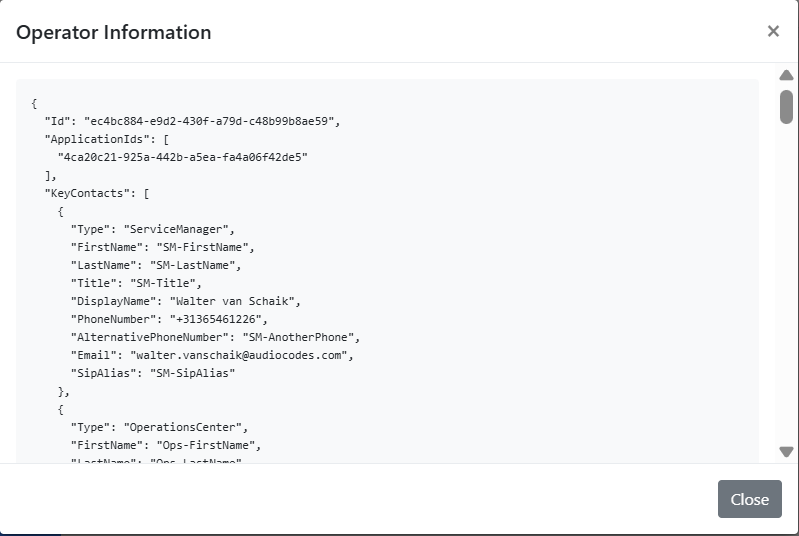
Operator Info |
Details of the Tenant Admin operator.
|